
Compumedics
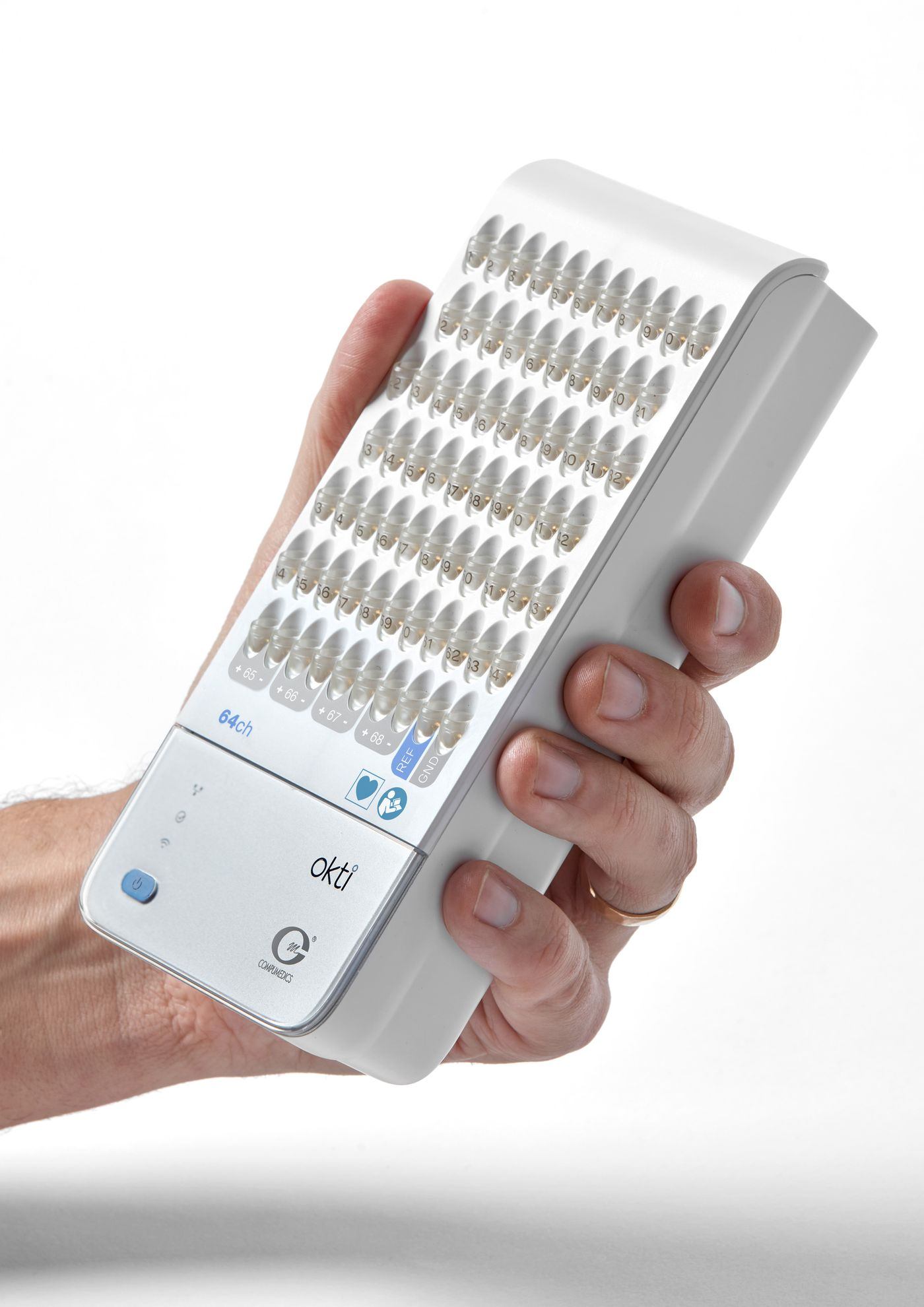
Okti: EEG amplifier, wireless up to 128 channels
One portable EEG amplifier for routine EEG, video EEG and ambulatory recording, from 32 to 128 channels. Your patient can stand up and walk without you disconnecting.
- Channels
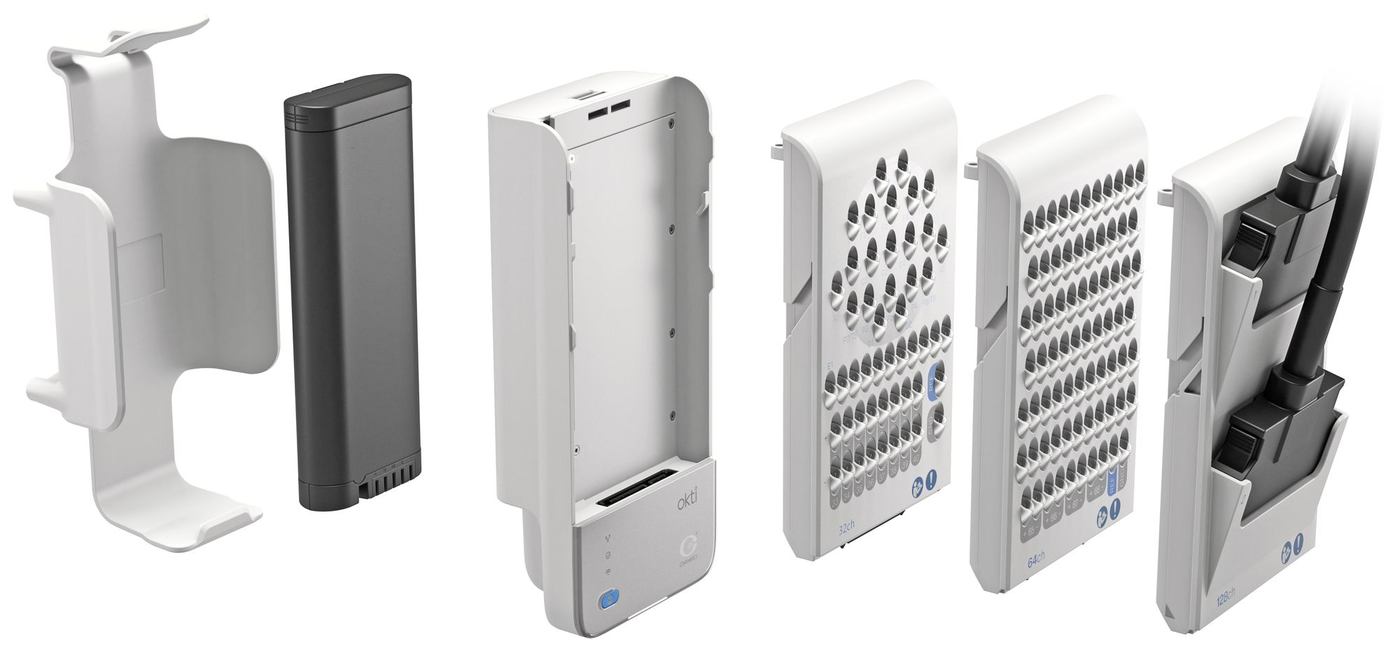
- Up to 128wireless, with modules of 32, 64 or 128; up to 256 wired with two coupled Okti units
- Sampling
- Up to 4,096 Hzoutput, also for research; 16,384 Hz internal
- Software
- Profusion EEGwith Curry for source localisation
For owners of this device
Do you have this device?
Choose what you need. We fill in Okti for you.
Six applications, one amplifier
You do not buy a separate system for each application. The same Okti works in the EEG room, ambulatory and in research. Also for the ICU and, with Onsight, at home.
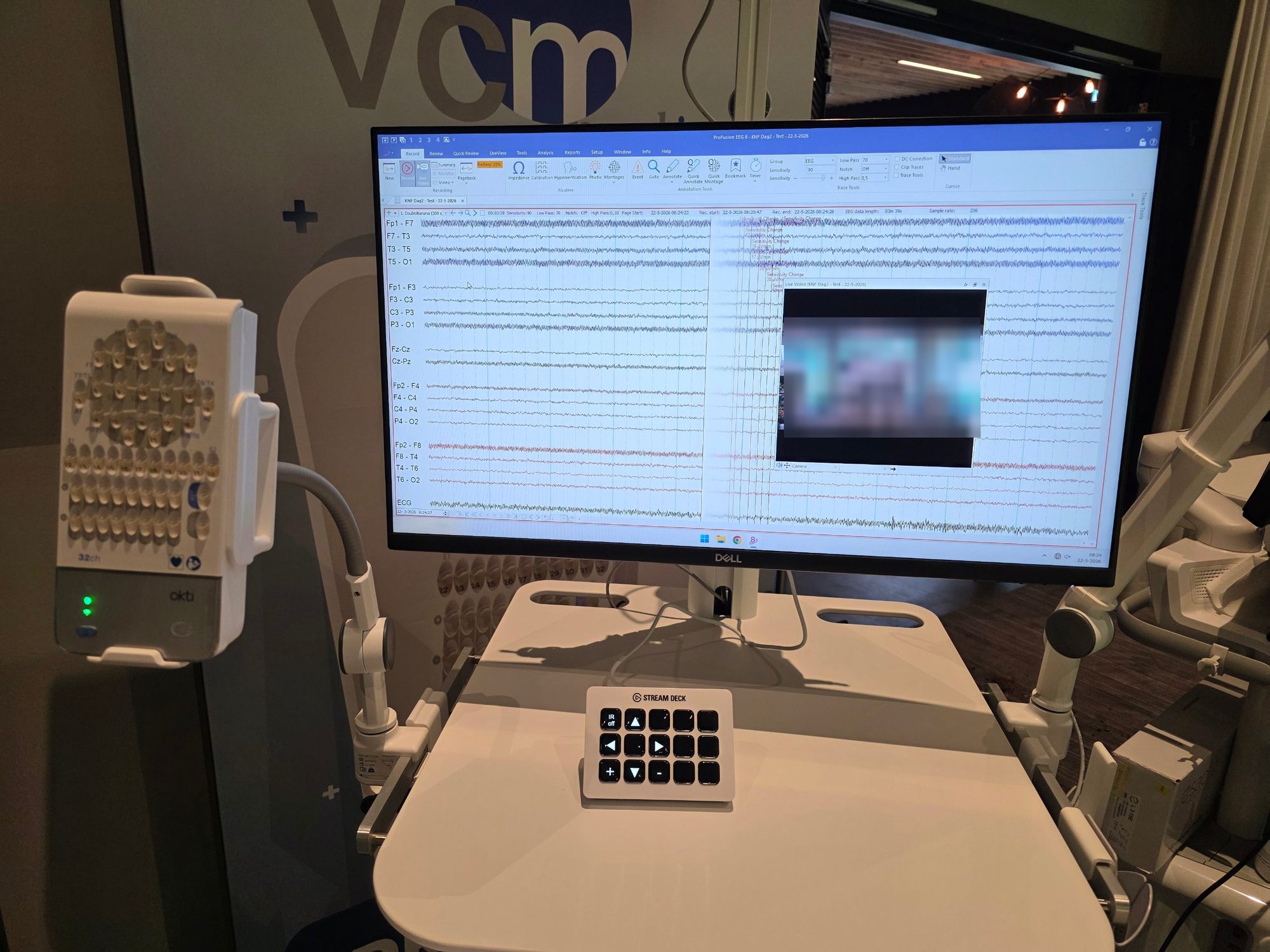
Routine EEG
At the workstation in the EEG room, with video where needed.
With Profusion EEG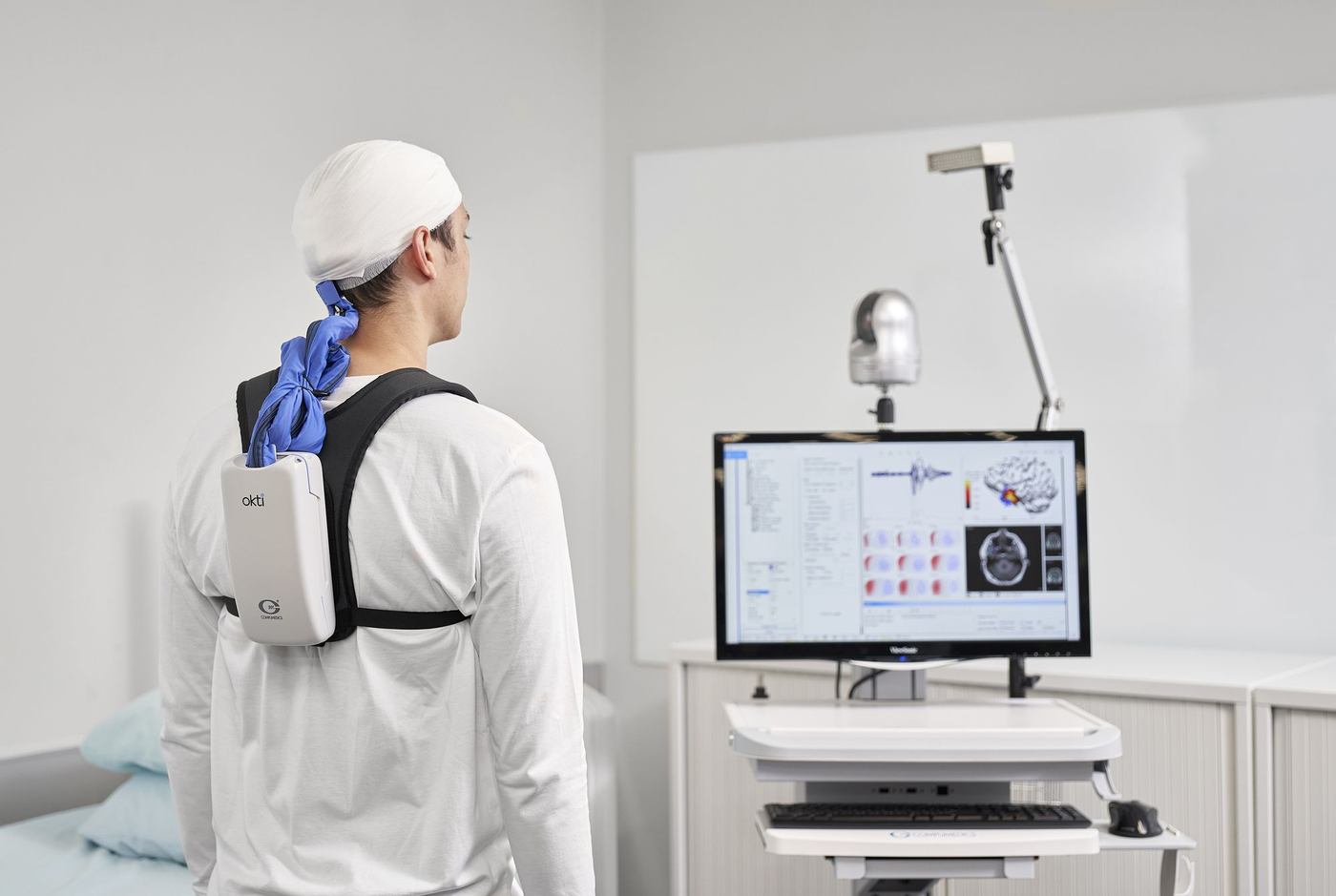
Video EEG
Multi-day recording; the patient can stand up without being disconnected.
With VCM Camera Control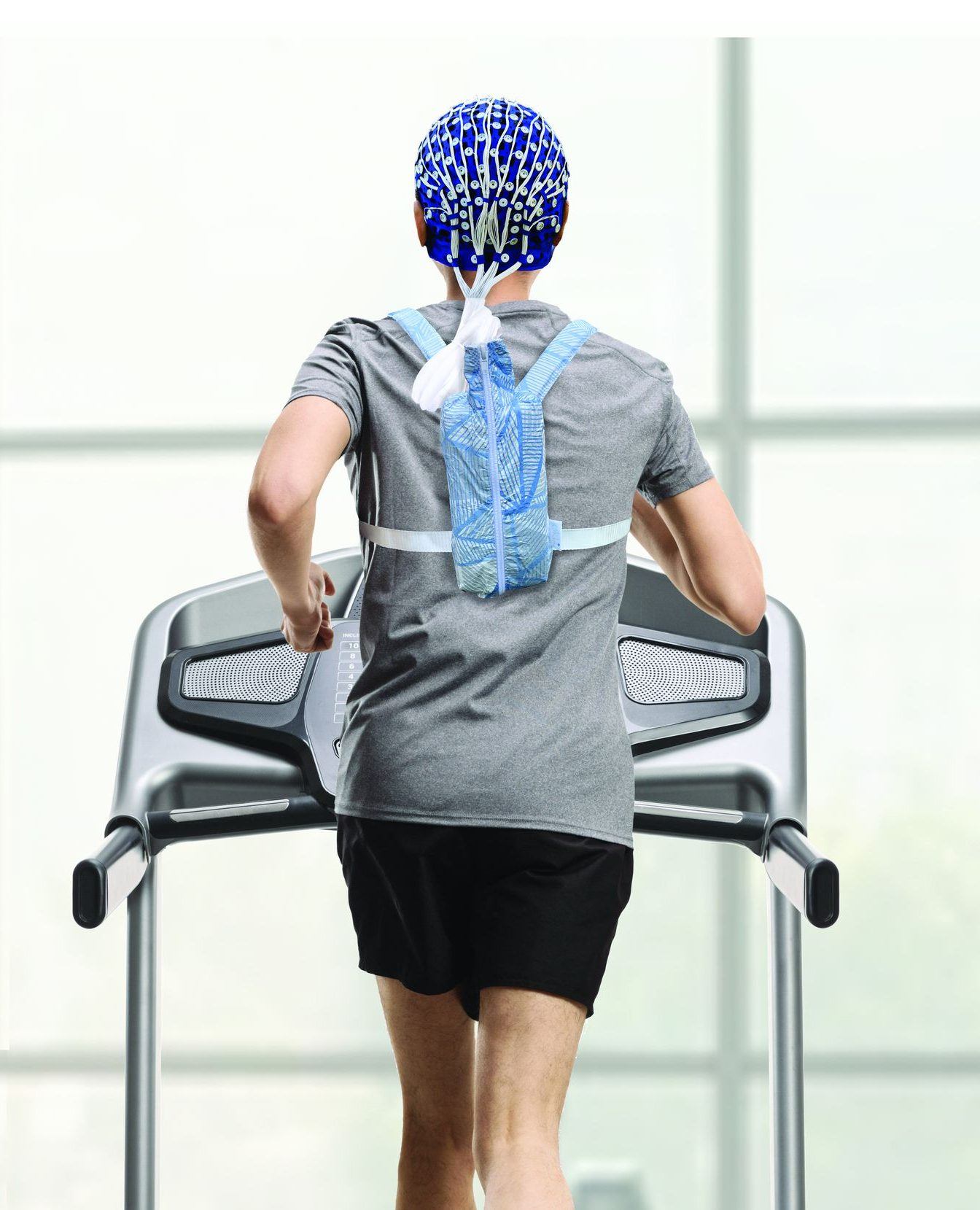
Ambulatory
The patient stays mobile, inside or outside the hospital.
In a backpack or waist bag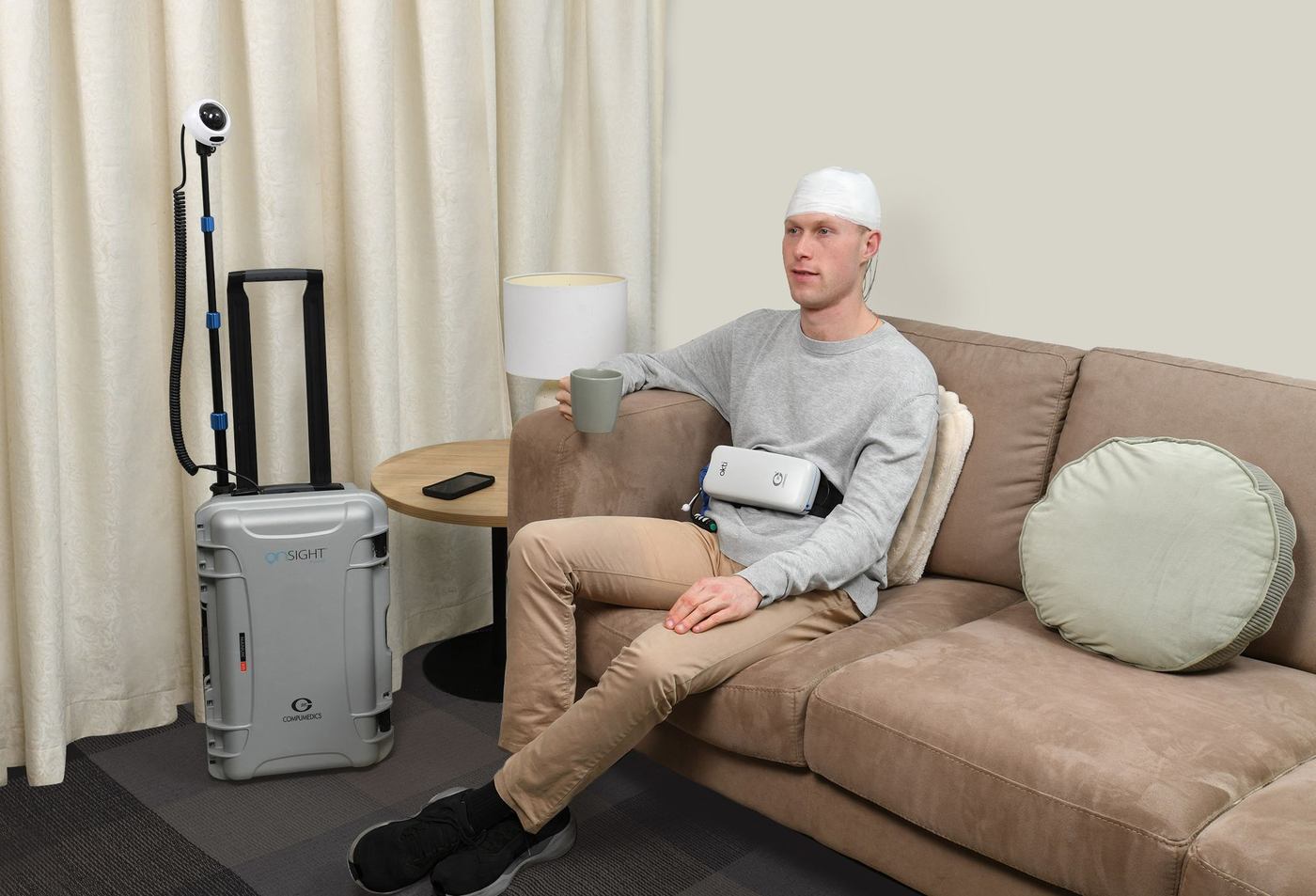
Home
Video EEG at the patient’s home, in a single case.
With OnsightICU
At the bedside, with Okti or, for critically ill adult patients, with CerebAir from Nihon Kohden. We advise per department and supply different mounting options, for example an Okti holder on a DIN rail.
Okti with Profusion EEG, or CerebAir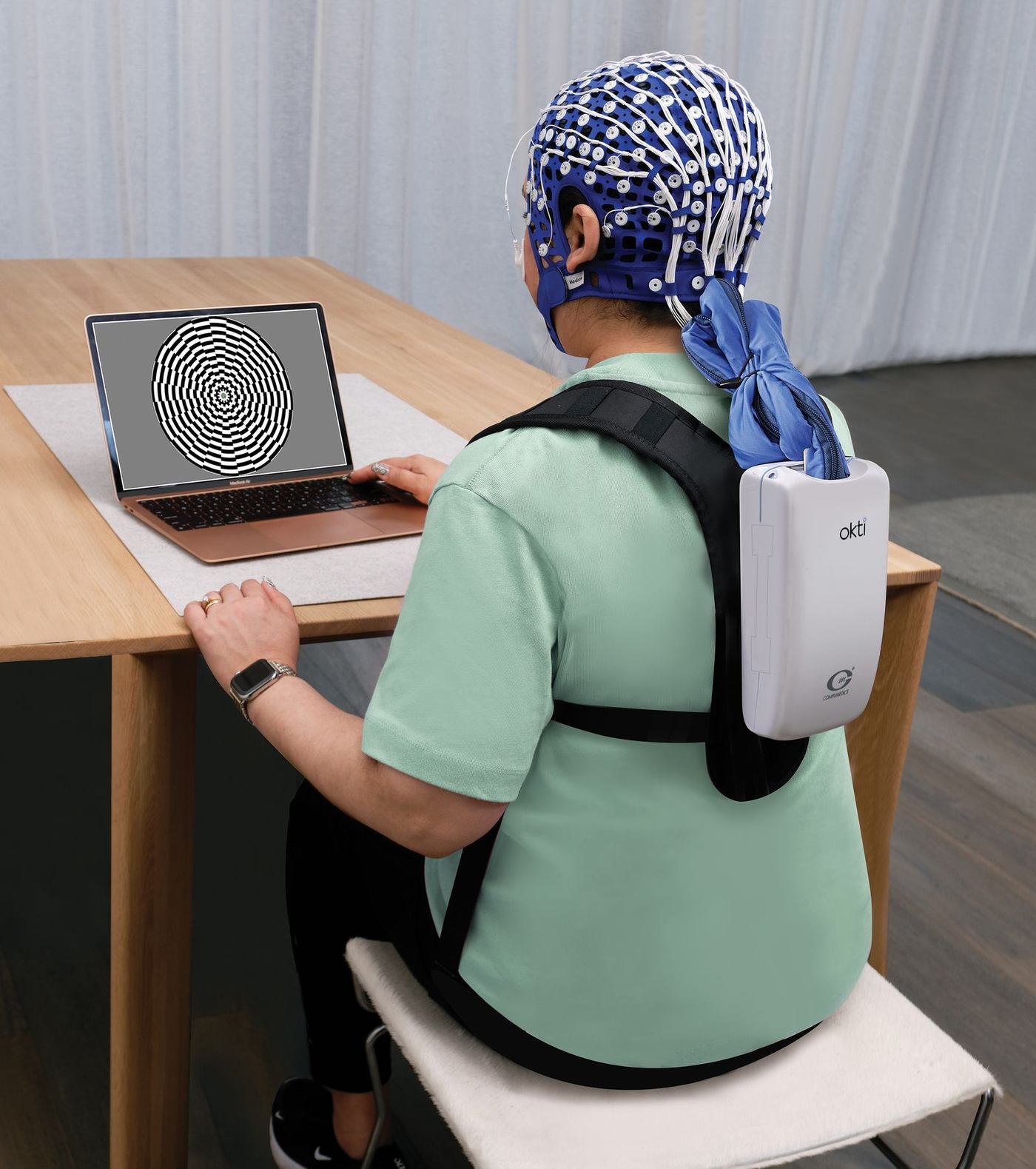
Research
High channel counts and source localisation.
With two coupled Okti units and CurryOne Okti or two coupled?
For routine, video and ambulatory EEG, a base unit with a 32-, 64- or 128-channel module is enough. Research can also be done with one Okti. If you need more channels, you couple two Okti units, with Curry for source localisation.
Curry is software for source localisation and not an amplifier.
Request technical specificationsOkti sends the signal via Wi-Fi to the acquisition station with Profusion. Okti stores the recording on the SD card at the same time. If the connection drops, missing data can therefore be resent automatically afterwards. Always use Okti with an SD card in Wi-Fi mode. We agree the Wi-Fi requirements with your IT department.
The patient wears the Okti and is connected over Wi-Fi to a wheeled case with PC, router, camera and UPS. We discuss which configuration and peripherals suit your situation with you. Conformity documents are available per component, not for the case as a whole.
Okti is suitable for paediatric and adult use. We discuss the cap sizes and the 32-channel module for young children with you. Ask us what suits your patient group.
Connect the Okti to Ethernet only through the network isolator. The configuration program Okticonfig only works wired, so the Ethernet kit belongs with every installation. The Okti is not suitable for use near flammable anaesthetic mixtures and must not be used on an open Wi-Fi network. With 802.1x, a renewed certificate must be entered per device by hand.
Wipe the device with a damp cloth and a mild cleaning agent and disinfect with 70% isopropyl alcohol. Do not let liquid get into the openings, do not immerse Okti and do not sterilise it. Otherwise follow the manufacturer’s instructions for use.
A recording with video contains images of the patient. We arrange data transfer and retention period together with your hospital, in line with the GDPR.
Design and carrying
Built to move with the patient
Okti is compact and light. The patient wears it in the way that suits the study, and your team chooses per measurement.
How we work
From the first conversation to periodic inspection: you can go to VCM for everything, in Dutch.
- 1Advice at your department
We look at your applications, rooms and network.
- 2Demo or trial placement
Your team works with Okti for a period in its own practice. We agree the duration and conditions together.
- 3Installation and connection
We install and connect to your hospital’s electronic health record (EHR) and archive, together with your IT team. We discuss beforehand which interfaces are possible, and test before delivery.
- 4Training and service
On-site training, remote support via VPN or TeamViewer, and maintenance. Our technicians are trained on the systems we supply; we carry out the inspection according to NEN-EN-IEC 62353 ourselves.
Accessories
What you order with it
IT and network
For your ICT department: what we know from the manufacturer's documentation. We agree the requirements for your hospital with your ICT.
- Operating system and PC requirements
- Profusion EEG 7 is 32-bit; Profusion EEG 8 is 64-bit.
Recommended recording PC according to Compumedics (laptop specification for Profusion EEG 7, November 2023): Windows 10 or 11 Pro or Enterprise (x64), Intel Core i7-6700 3.4 GHz or higher, 16 GB RAM, 1 TB SSD, at least 4 USB ports, 1 Gbit network card, Wi-Fi a/b/g/n/ac with 802.1X.
Software: Microsoft Office 2016 for reports in Word and export to Excel; Windows Media Player for Digital Video.
According to Compumedics, Profusion EEG 7 or higher is supported on Windows Server 2019 and 2022 (Nexus 360 documentation).
Minimum software for the Okti according to the manual: Profusion EEG v6.2 build 1708 or later. - Network and Wi-Fi
- Wi-Fi 802.11a/b/g/n (2.4 and 5 GHz) and Bluetooth 4.1.
Ethernet: IEEE 802.3/802.3u, 10 or 100 Mbit/s.
Connect the Okti to Ethernet only through the network isolator.
The network isolator is powered by a PoE switch or mid-span injector according to IEEE 802.3af.
Protocols: IPv4 with DHCP or a static address, ICMP, ARP, UDP, TCP and DNS.
Bandwidth: 1 to 20 Mbit/s over Wi-Fi and 2 to 20 Mbit/s wired, depending on the sample rate and the number of channels.
Wi-Fi security according to the manual: WEP, WPA2 and WPA3; authentication with PSK or 802.1x.
According to Compumedics, all Compumedics devices must be in the same broadcast domain.
Point of attention from the manual: carry out a site survey beforehand. - Ports and firewall
- UDP 5705, 5707, 5708 and 5710, for both Wi-Fi and Ethernet (according to the Okti manual).
- Interfaces (HL7, PACS, ADT)
- We install and connect to your hospital's electronic patient record (EPR) and archive, together with your application management.
We discuss which interfaces are possible beforehand, and we test before delivery. - Security and updates
- The Okti must not be used on an open Wi-Fi network.
With 802.1x, a renewed certificate has to be entered manually per device.
You enter the new certificate through Okticonfig, wired.
Remote support via VPN or TeamViewer. - Other
- The configuration program Okticonfig only works wired, so the Ethernet kit is part of every installation.
The Okti stores the recording on the SD card at the same time. Always use the Okti in Wi-Fi mode with an SD card.
A full IT checklist for your hospital ICT? Ask us.
Request the IT checklist →Okti calculator
How many amplifiers do you need?
Enter your measurement locations per application. You see what the calculation model gives for Okti and for separate systems from other suppliers, where each application has its own system and its own spare.
A calculation model based on your input, not a measurement and not a quotation.
Calculation example: medium-sized clinical neurophysiology department
- Routine EEG2
- Video EEG3
- ICU1
- Ambulatory2
How the model comparesNumber of amplifiers, including spares, with 8 measurement locations in use at the same time
3 fewer with Okti in this calculation example (12 versus 9), under the assumptions below.
Calculation example, not a measurement and not a quotation. Assumptions: 8 measurement locations, all in use at the same time; with separate systems a spare per application (4 applications, so 4 spares); with Okti one shared spare. If you already share spares between applications, or keep fewer spares, the difference is smaller. Your spare policy determines the outcome. Cameras, observation stations and prices are not counted. Devices that are with a patient for days count as an ordinary measurement location.
Request a demo
See Okti at work in your own department
Leave your details. We will contact you to plan a time.
033 434 50 60